
Apple released iOS 27 on September 14, 2026, as a free update for iPhone 11 and newer. It brings a rebuilt Siri, a new way to search, faster everyday performance and a long list of smaller upgrades. Here’s what’s new, whether your iPhone can run it, and how to update without problems.
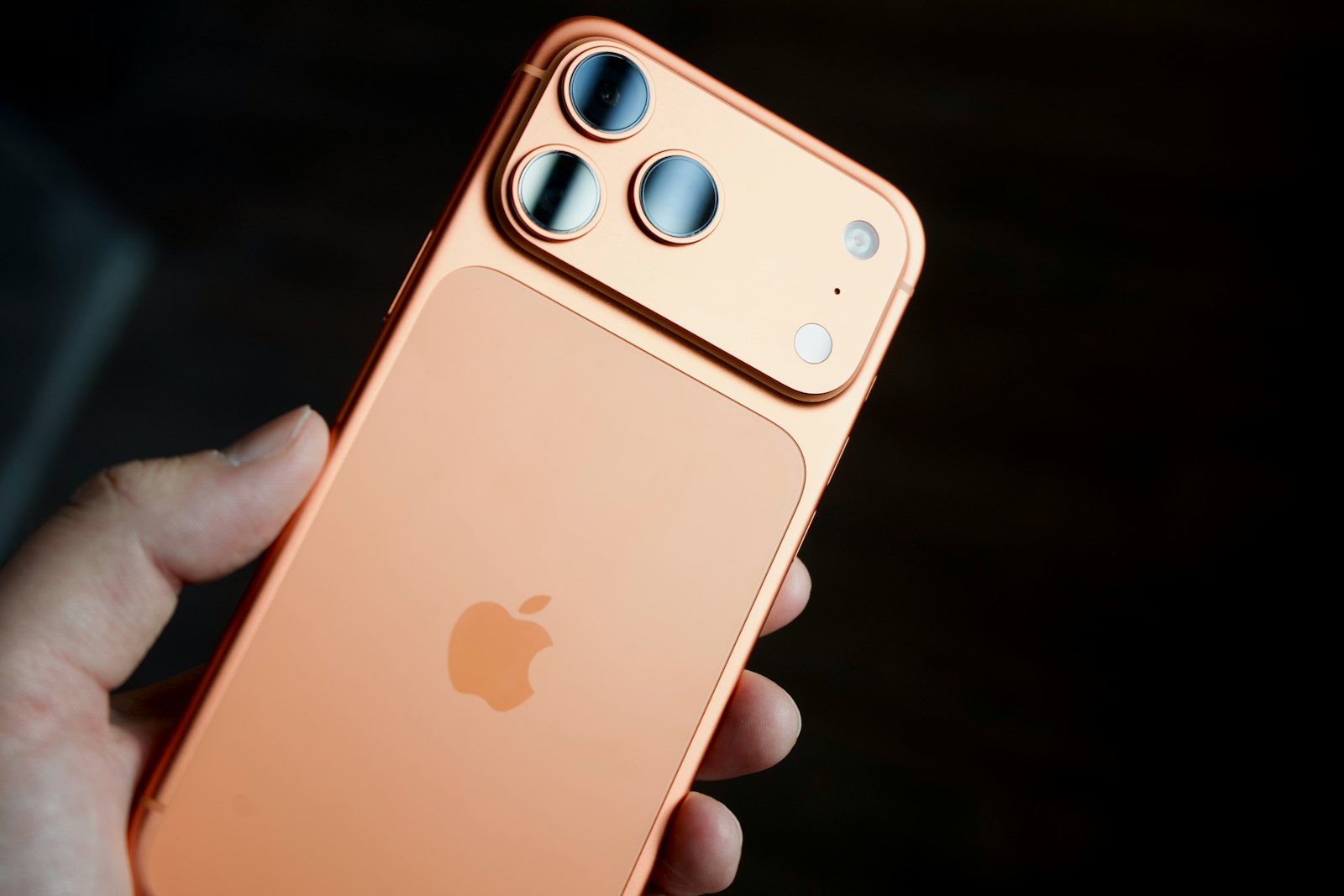
Which iPhones can run iOS 27?
iOS 27 supports the same iPhones as iOS 26. You need an iPhone with an A13 Bionic chip or newer:
- iPhone 11, 11 Pro and 11 Pro Max
- iPhone SE (2nd and 3rd generation)
- iPhone 12, 13 and 14 models, including mini and Plus
- iPhone 15, 15 Plus, 15 Pro and 15 Pro Max
- iPhone 16, 16 Plus, 16 Pro, 16 Pro Max and 16e
- iPhone 17, 17 Pro, 17 Pro Max, 17e and iPhone Air
- iPhone 18 Pro, 18 Pro Max and iPhone Duo
Apple Intelligence, including the new Siri, needs an iPhone 15 Pro or newer. Older models still get iOS 27 and most of its features.
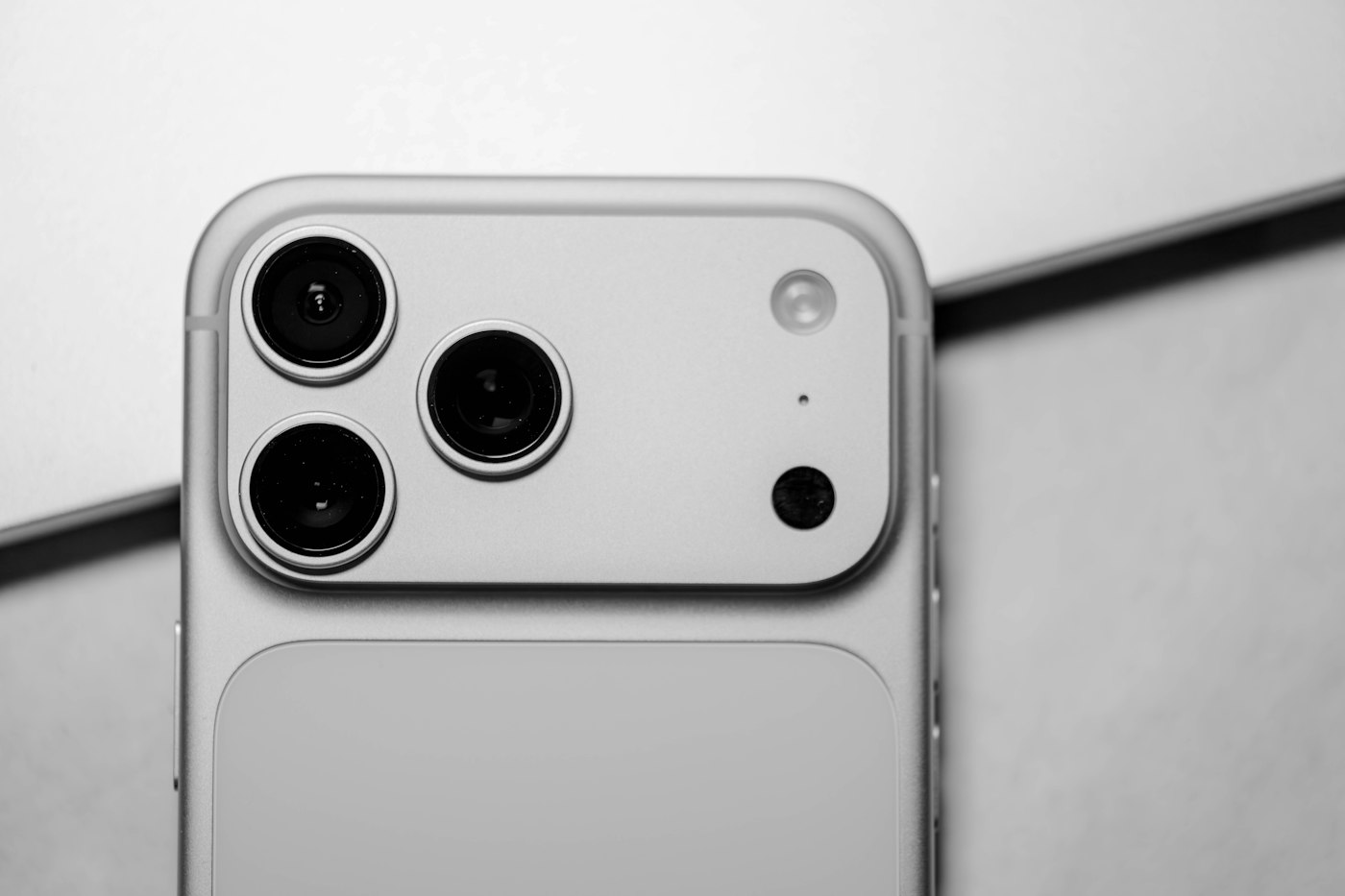
The biggest new features in iOS 27
A smarter Siri
Siri has been rebuilt with Apple Intelligence. It can hold a natural conversation, understand what’s on your screen, use your personal context, and take actions inside apps. It launches in English first and isn’t available at launch in the EU or China.
Search or Ask
Swiping down from the middle of the Home Screen now opens a new search and ask screen that replaces Spotlight. Notification Center moves to a swipe down from the top-left corner.
Faster everyday performance
Apple says apps launch up to 30% faster, new photos load up to 70% faster, and AirDrop transfers are up to 80% faster.
Liquid Glass refinements
The see-through Liquid Glass design from iOS 26 gets better contrast and sharper app icons, plus a new slider to make it clearer or more tinted.
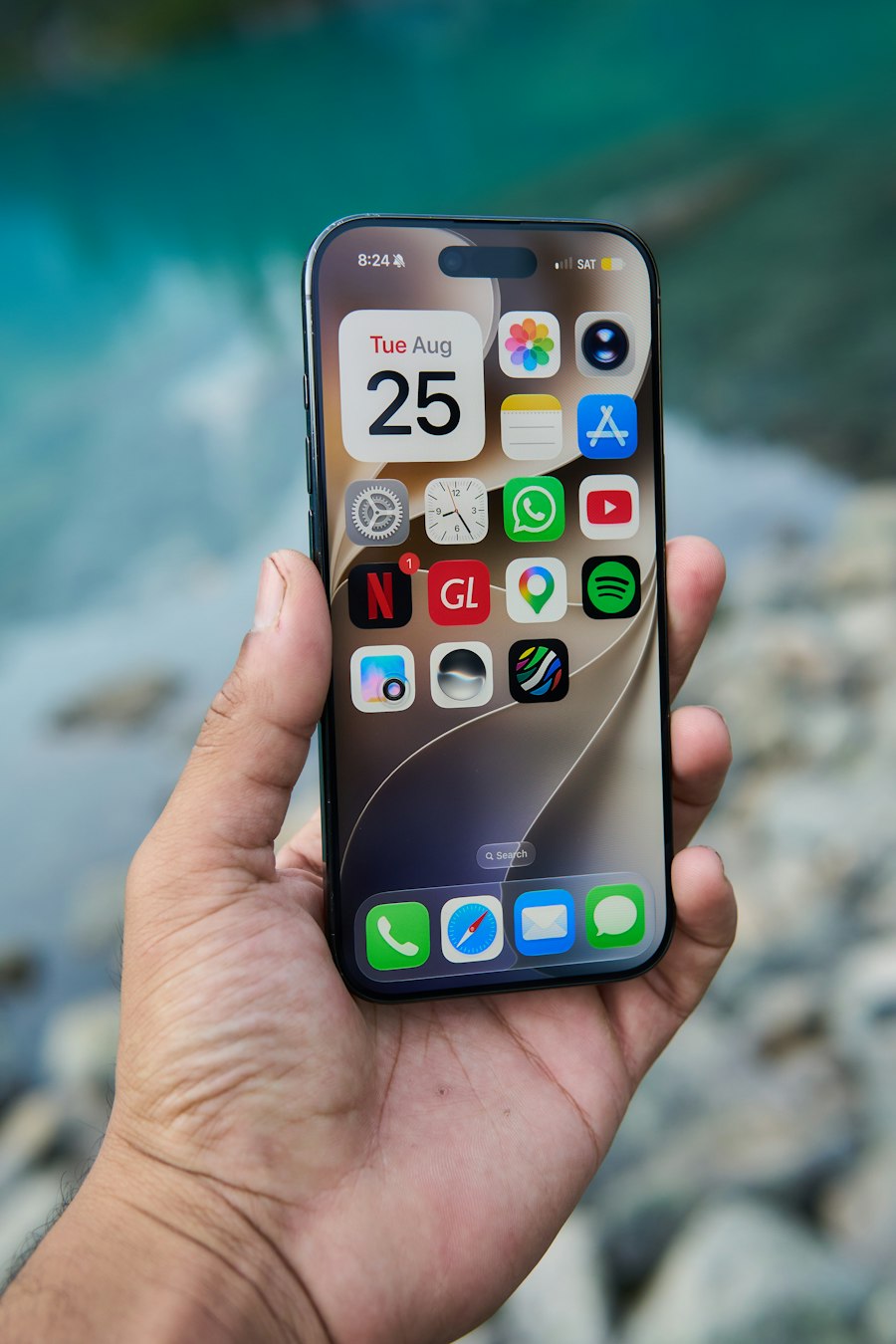
More useful updates
- Photos: new Extend and Reframe tools (Apple Intelligence)
- Find My: share your location for a set time, or pause sharing with someone until the end of the day
- iPhone Handoff: switch between two iPhones that share one phone number (needs carrier support, starting with T-Mobile in the U.S.)
- Safari: smarter tab and bookmark organization
- Screen Time: a redesign with new child-safety controls such as Ask to Browse
- Notes: Markdown support
How to update to iOS 27 safely
- Back up first. Use iCloud Backup or back up to your computer.
- Free up storage. The update needs several gigabytes of free space.
- Charge it. Plug in, or make sure the battery is at least half full, and connect to Wi-Fi.
- Install. Go to Settings, then General, then Software Update, and tap Update Now.
- Let it finish. Don’t unplug or restart the phone until it’s back on the Lock Screen.
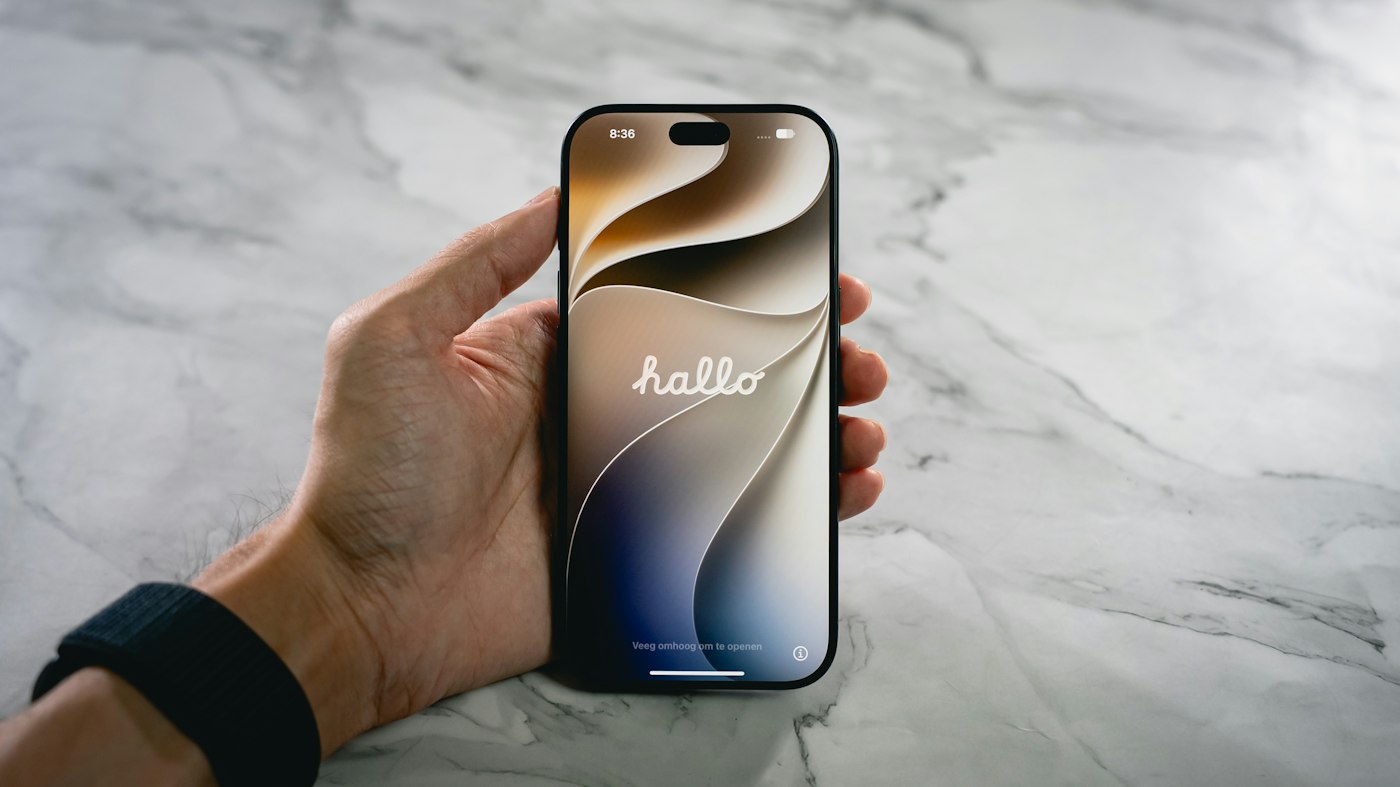
What’s normal after updating, and what isn’t
For a day or two after a big update, your iPhone works in the background to re-index photos and data. It may feel warm and the battery may drain faster. That usually settles down on its own.
If the battery still drains fast after several days, or the phone shuts off with charge left, the update has probably just exposed a worn battery. Read our guide to iPhone battery replacement to check yours. If your iPhone gets stuck on the Apple logo or keeps restarting, don’t erase it. Bring it in for a free basic diagnostic.
Frequently asked questions
Yes. iOS 27 is a free update for every compatible iPhone.
No. iOS 27 needs an iPhone 11 or newer, or an iPhone SE (2nd generation or later). The iPhone XS and XR stopped getting new iOS versions after iOS 18.
The new Siri and other Apple Intelligence features need an iPhone 15 Pro, iPhone 15 Pro Max or a newer model. The standard iPhone 15 and 15 Plus get iOS 27 but not Apple Intelligence.
For a day or two after a big update, your iPhone re-indexes photos and data in the background, so some extra battery drain is normal. If it continues after several days, check Battery Health in Settings. The battery may simply be worn out.
Updates include important security fixes, so it’s a good idea to update. Back up your iPhone first and make sure it has enough free storage and charge.
Don’t erase it. Bring it to iDoctor AZ in Tempe for a free basic diagnostic, and we’ll tell you the options before any work starts.
Need help with your iPhone in Tempe?
iDoctor AZ repairs iPhones at 7520 S Rural Rd, Ste A7, Tempe, AZ 85283, inside Tempe Water and Ice at Elliot Rd and Rural Rd. Walk-ins are welcome Monday to Friday 10 am to 7 pm and Saturday 10 am to 5 pm. Basic diagnostics are free, and every repair comes with a 90-day warranty.